Heading 1

Heading 2

Heading 3

Heading 4

Heading 5
Heading 6

Lorem ipsum dolor sit amet, consectetur adipiscing elit, sed do eiusmod tempor incididunt ut labore et dolore magna aliqua. Ut enim ad minim veniam, quis nostrud exercitation ullamco laboris nisi ut aliquip ex ea commodo consequat. Duis aute irure dolor in reprehenderit in voluptate velit esse cillum dolore eu fugiat nulla pariatur.

Block quote

Ordered list

  1. Item 1
  2. Item 2
  3. Item 3

Unordered list

  • Item A
  • Item B
  • Item C

Text link

Bold text

Emphasis

Superscript

Subscript

Published
April 7, 2026

Update April 7, 2026: Advanced 3D Viewer & Pro Mode
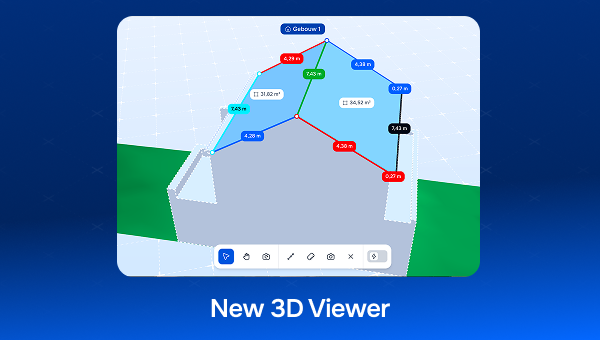
Product updates

The 3D Viewer has received a major update, both visually and functionally. Here is what has changed:
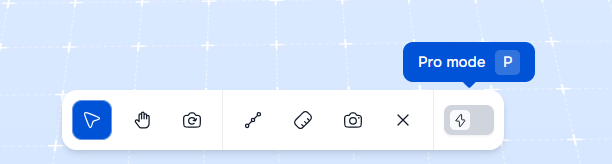
Pro Mode (P)

A brand-new navigation experience, similar to SketchUp:

  • 360° camera rotation: View buildings from every angle, including from below.
  • Middle click = Orbit / Shift + Middle click = Pan.
  • Smart Zoom: Zoom now follows your cursor instead of the center of the screen.
  • Orbit Tool (O): A dedicated orbit tool added next to Pointer (V) and Pan (H).
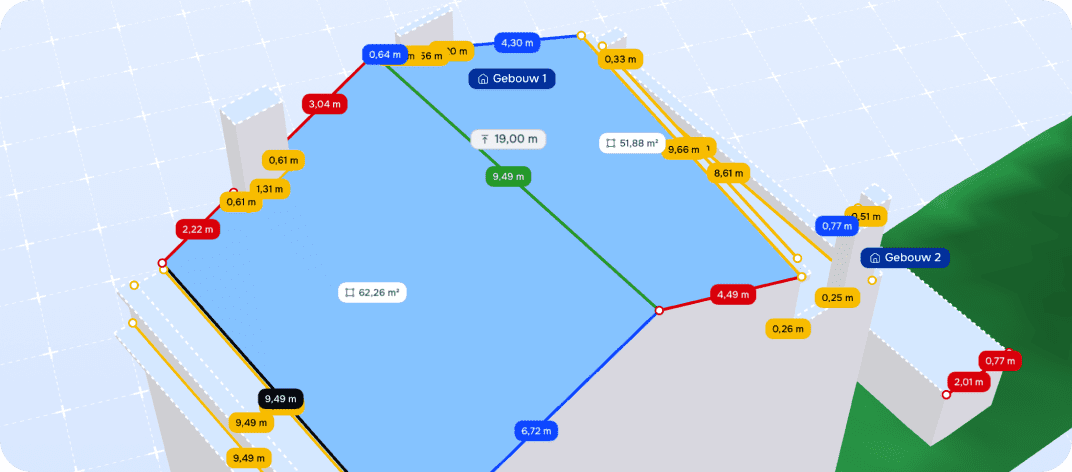
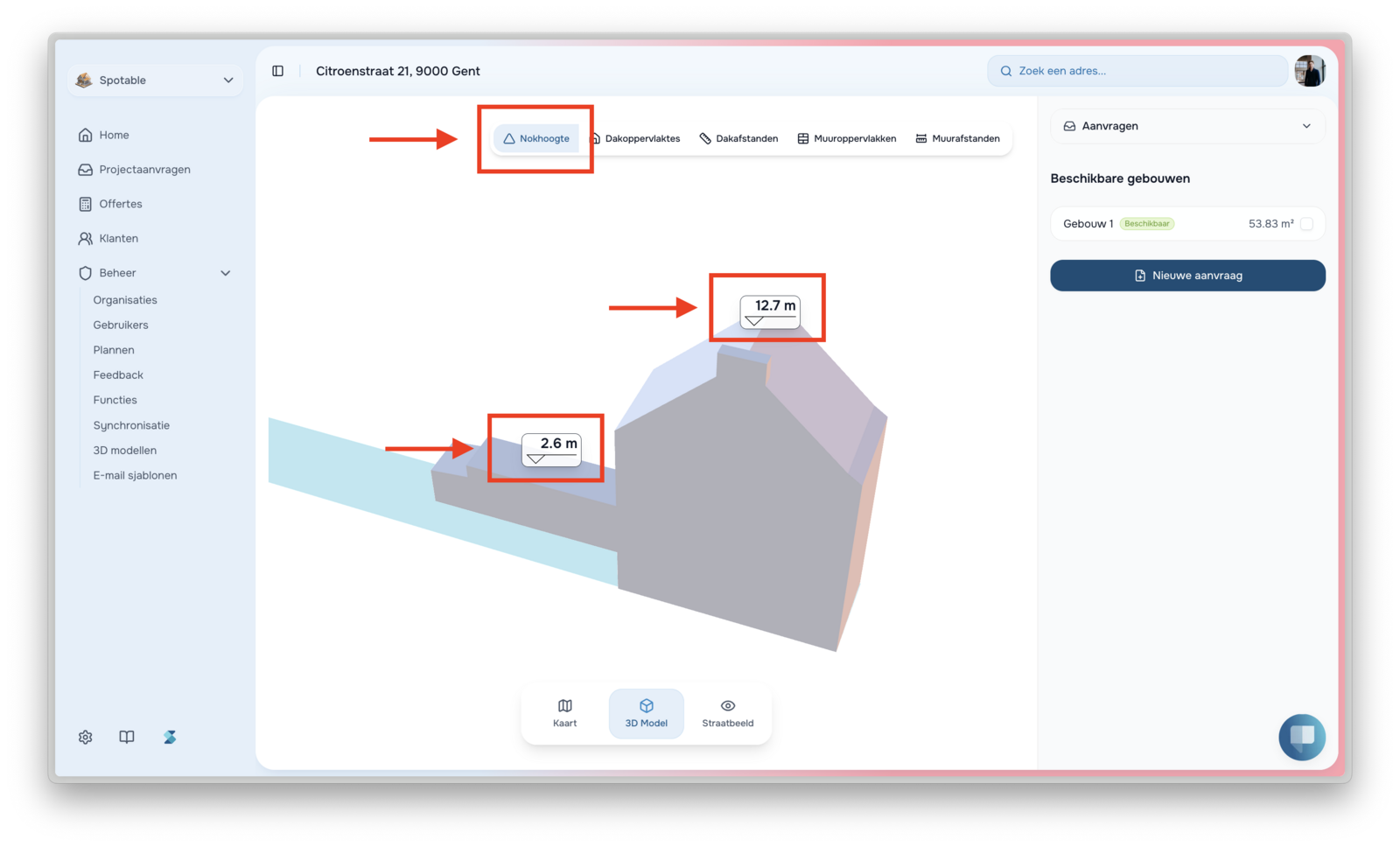
roofing measurements on 3D model.

Measurements

Now visible directly within the viewer:

  • Roof surfaces and distances.
  • Ridge heights.
  • Wall surfaces and wall distances.

Edge Types (E)

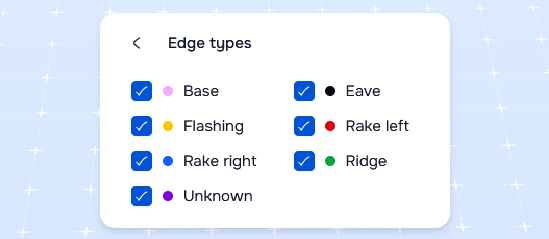
Color-coded display of specific edges: Ridge, gutter, verge, valley, flashing, and more...
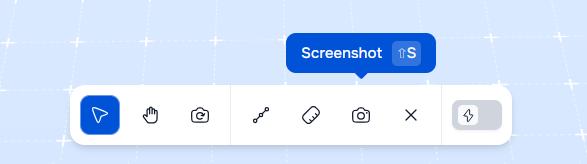
Screenshot Export (Shift + S)

Download a high-quality JPEG of your current view, without the toolbar and instantly ready for presentations or quotes.

Shortcut keys

Key                      Action

P                           TogglePro Mode on/off

V                           Pointer/ Selection tool

O                          Orbit(only in Pro Mode)

H                          Pan tool

M                          Show/hideMeasurements

E                           Show/hideEdge Types

R                           ResetCamera

C                          ClearSelection

Shift + S            ExportScreenshot

Esc                      Close Panel

Try it out in the 3D Viewer!

Questions or feedback? Please contact us at support@spotable.com

Circular metallic play button icon with a right-pointing triangle in the center.
Preferences

Privacy is important to us, so you have the option of disabling certain types of storage that may not be necessary for the basic functioning of the website. Blocking categories may impact your experience on the website. More information

Accept all cookiesSpotable trusted partner and industry distributor logo

These items are required to enable basic website functionality.

Always active

These items are used to deliver advertising that is more relevant to you and your interests.

These items allow the website to remember choices you make (such as your user name, language, or the region you are in) and provide enhanced, more personal features.

These items help the website operator understand how its website performs, how visitors interact with the site, and whether there may be technical issues.

Thank you! Your submission has been received!
Oops! Something went wrong while submitting the form.
Spotable trusted partner and industry distributor logo